1. Run Vault docker
docker run --cap-add=IPC_LOCK \
	-e 'VAULT_DEV_ROOT_TOKEN_ID=myroot' \
	-e 'VAULT_DEV_LISTEN_ADDRESS=0.0.0.0:8200' \
	-e 'VAULT_ADDR=http://127.0.0.1:8200' \
	-e 'VAULT_TOKEN=myroot' \
	-p 8200:8200\
	--name vaul-container \
    vault
Testing at http://localhost:8200/ui
2. Run Postgres docker
docker run -d --name postgres \
    -p 5432:5432 \
    -e POSTGRES_PASSWORD=postgres123456 \
    -e POSTGRES_USER=postgres \
    postgres
3. Integration With a Postgres Database
3.1 Using Web UI to enabling Database Engine
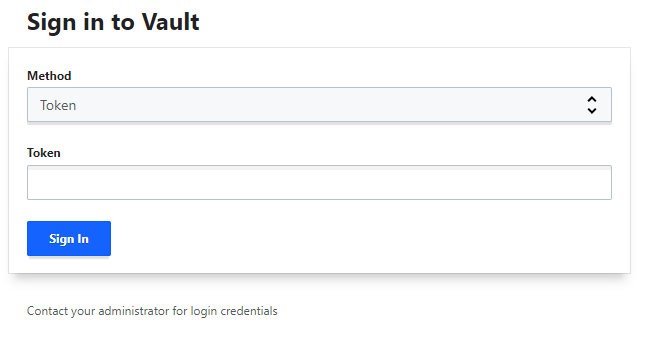
3.2 Using CLI or HTTP request to apply config
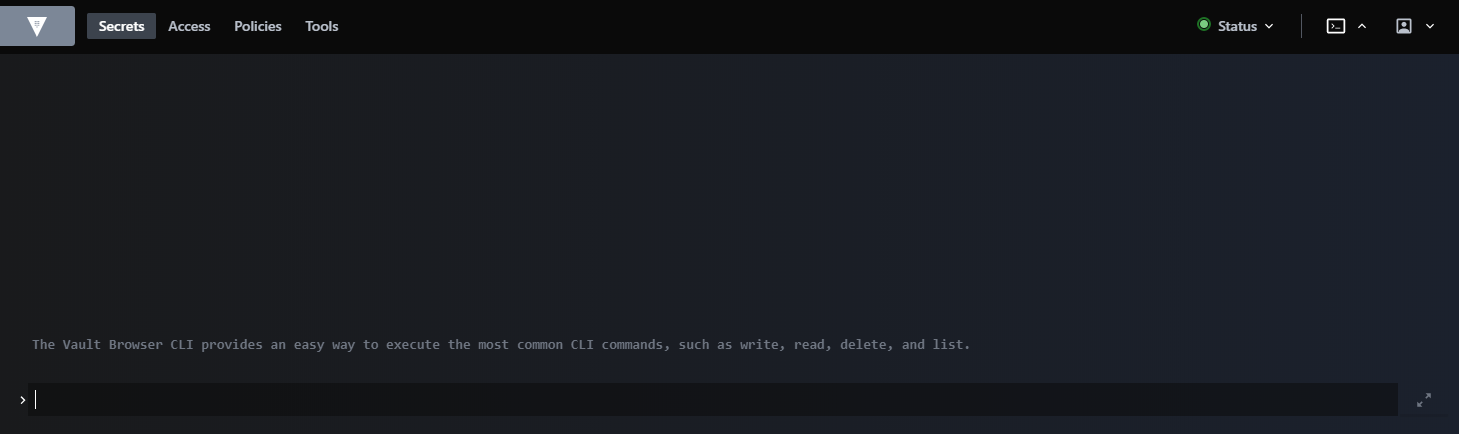
Open Vault CLI tool in Web UI
Create configuration
vault write database/config/postgres \
	plugin_name=postgresql-database-plugin \
	allowed_roles="default" \
	connection_url="postgresql://{{username}}:{{password}}@IP_ADDRESS:5432?sslmode=disable" \
	username="postgres" \
	password="postgres123456"
Replacing IP_ADDRESS with your ip addresss
Grant privileges to role
vault write database/roles/default \
	db_name=postgres \
	creation_statements="CREATE ROLE \"{{name}}\" WITH LOGIN PASSWORD '{{password}}' VALID UNTIL '{{expiration}}';GRANT SELECT, UPDATE, INSERT ON ALL TABLES IN SCHEMA public TO \"{{name}}\";GRANT USAGE,  SELECT ON ALL SEQUENCES IN SCHEMA public TO \"{{name}}\";" \
	default_ttl="1h" \
	max_ttl="24h"
See more details in Vault’s documents
4. Springboot connect Postgres
4.1 Configuring in Spring
With Spring, we must configure in bootstrap.yml or bootstrap.properties file (not application.yml or application.properties)
server:
  port: 8080
spring:
  application:
    name: callme-service
  cloud:
    vault:
      uri: http://localhost:8200
      token: 'myroot'
      postgresql:
        enabled: true
        role: default
        backend: database
  datasource:
    url: jdbc:postgresql://localhost:5432/postgres
  jpa.hibernate.ddl-auto: update
4.2 Maven dependencies
<dependency>
	<groupId>org.springframework.boot</groupId>
	<artifactId>spring-boot-starter-data-jpa</artifactId>
</dependency>
<dependency>
	<groupId>org.springframework.cloud</groupId>
	<artifactId>spring-cloud-config-server</artifactId>
</dependency>
<dependency>
	<groupId>org.springframework.cloud</groupId>
	<artifactId>spring-cloud-starter-vault-config</artifactId>
</dependency>

<dependency>
	<groupId>org.springframework.cloud</groupId>
	<artifactId>spring-cloud-vault-config-databases</artifactId>
</dependency>

<dependency>
	<groupId>org.postgresql</groupId>
	<artifactId>postgresql</artifactId>
	<scope>runtime</scope>
</dependency>
And spring cloud in denpendencyManagement tag
<dependencyManagement>
	<dependencies>
		<dependency>
			<groupId>org.springframework.cloud</groupId>
			<artifactId>spring-cloud-dependencies</artifactId>
			<version></version>
			<type>pom</type>
			<scope>import</scope>
		</dependency>
	</dependencies>
</dependencyManagement>